How to use Evenly
Weigh in, look at the trend, ease up. That is the whole habit.
 01
First open: set up in about two minutes
- Choose a goal: keep steady, ease down slowly, build strength, or just understand your body.
- Connect your scale through Apple Health or Health Connect, or choose to type weigh-ins in.
- Pick how you want to see it: Number, Trend only or Hidden. You can change this any time.
- Set a healthy range that feels right for you (not a single target weight).
- Optional: link Nouri or Somni with Goldmend Link. It is off until you say yes.
 02
Weighing in
- Weigh in the same way each time: in the morning, after the bathroom, before breakfast.
- Three mornings a week is plenty; daily is fine too if it does not stress you.
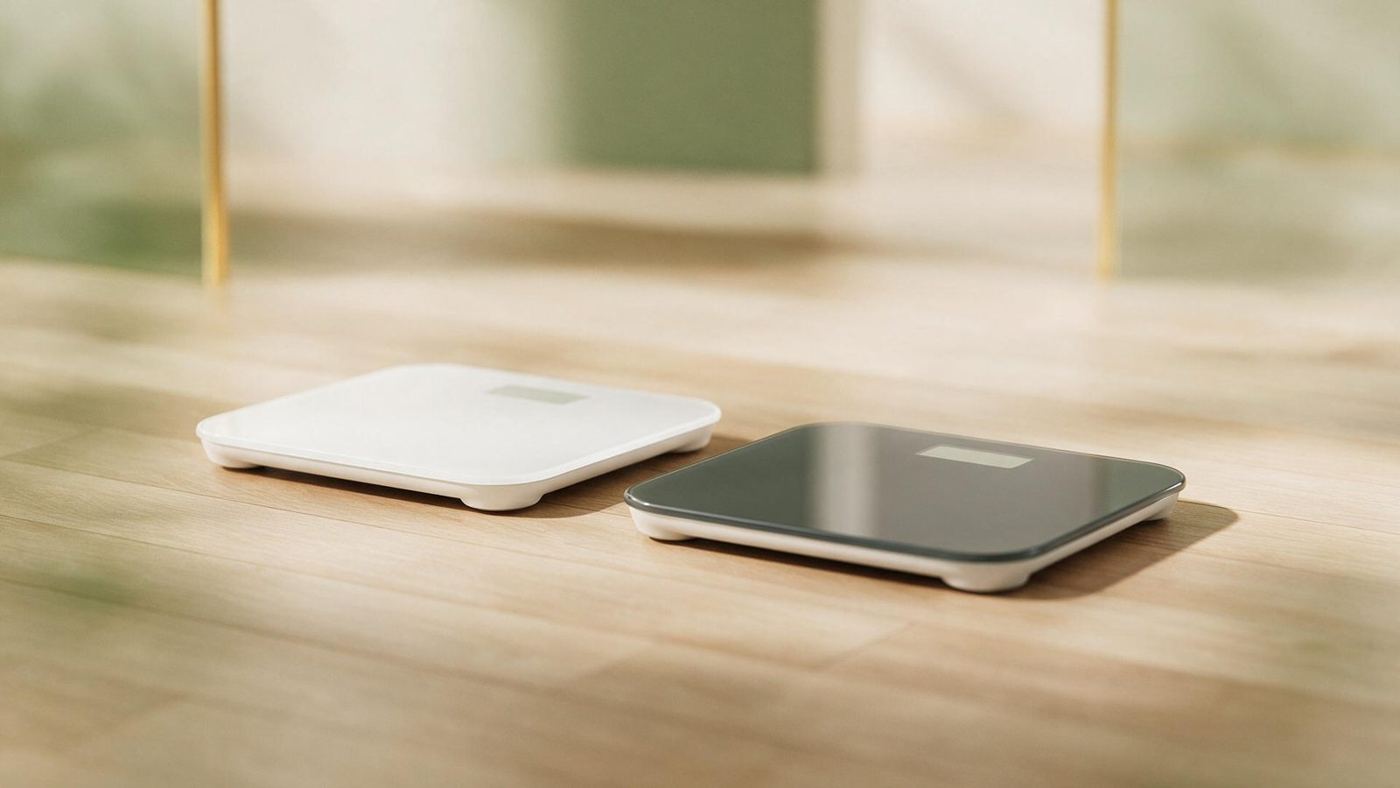
- Smart scale? The reading appears by itself. Otherwise tap Add a weigh-in and type it.
- If you weigh more than once in a day, the last reading counts.
 03
Reading your trend
- The Today card says the direction in words: holding steady, gently down or gently up.
- The Trend tab shows the smooth line over 4 weeks (90 days and a year with Premium).
- Add a marker for travel, a festive week or illness, so the line makes sense later.
 04
Body and progress
- Log your waist and a few measurements every couple of weeks in the Body tab.
- Take progress photos in the same light and pose; they stay on your phone.
- Training? A steady scale with a smaller waist is good news.
 05
Kin and your settings
- Ask Kin, your AI coach, about a higher day, a plan, or food swaps from Nouri.
- See and delete what Kin remembers in Settings, What Kin remembers.
- Privacy and data: export, or delete everything by typing DELETE.
- Help and when to see a doctor.
Still stuck? See the FAQ or contact support.